 (opens in a new tab)

CoderFlow for Business
Direct AI Agents On The Systems You Use Every Day
Give agents instructions, refine their work and automate recurring tasks yourself. CoderFlow connects agents to your applications and data, so you can get answers and build reports across systems. IT manages access; you direct the work.
Talk To Us (opens in a new tab)Live-data reports connect directly to IBM i databases today. For other systems, reports read data through APIs your IT team makes available.
Tour Preview
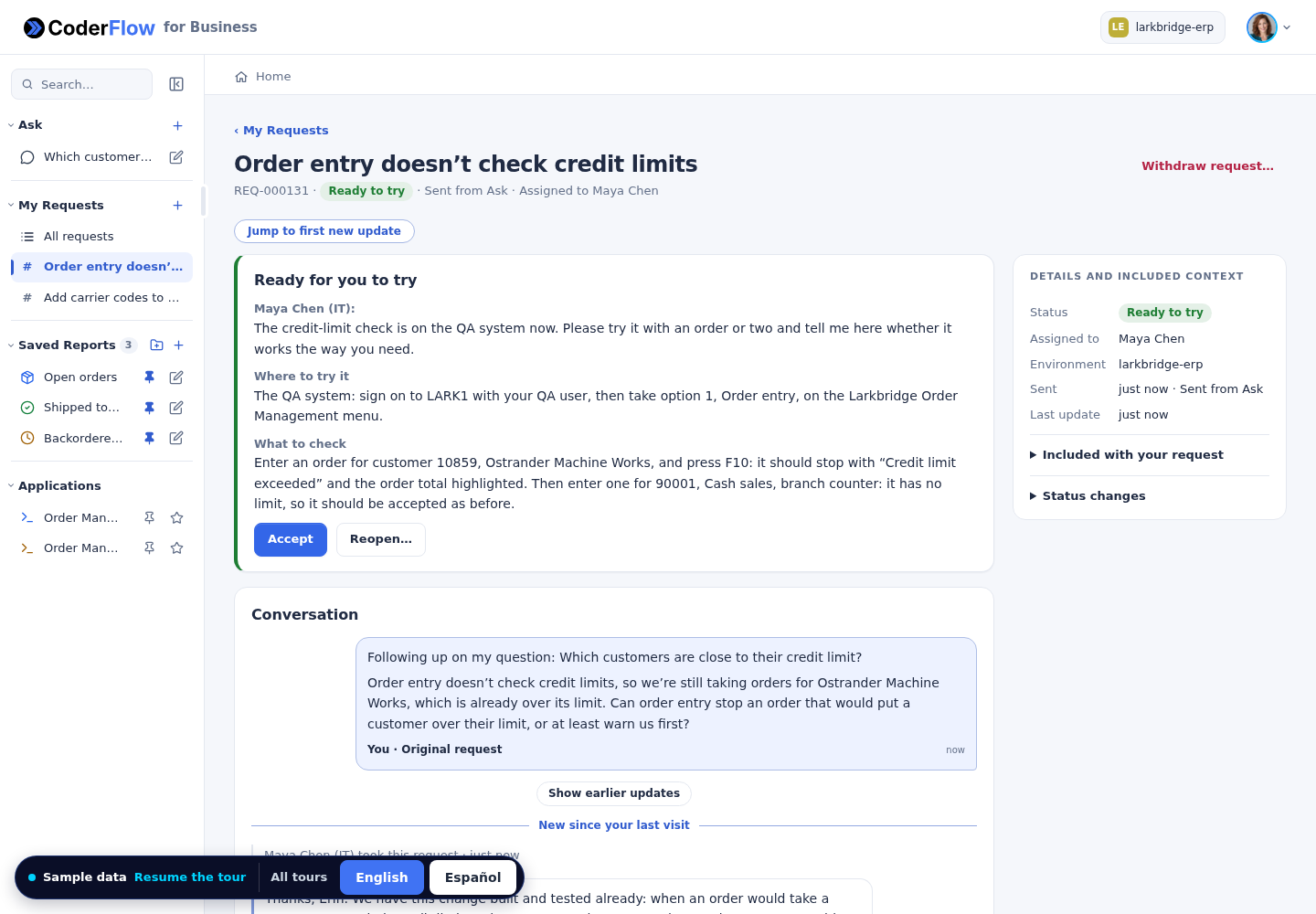
Take A Business Request From Triage To Delivery
Silent walkthrough using sample data.
Explore The Interactive Tour (opens in a new tab)Where to start: with the people already building workarounds in Excel and ChatGPT. They know the questions, the reports and the requests, and they're already doing the work by hand, so they know exactly what an agent should do.
Five Things Business Users Do, On The Systems You Already Run
(opens in a new tab)
 (opens in a new tab)
 (opens in a new tab)
 (opens in a new tab)
 (opens in a new tab)
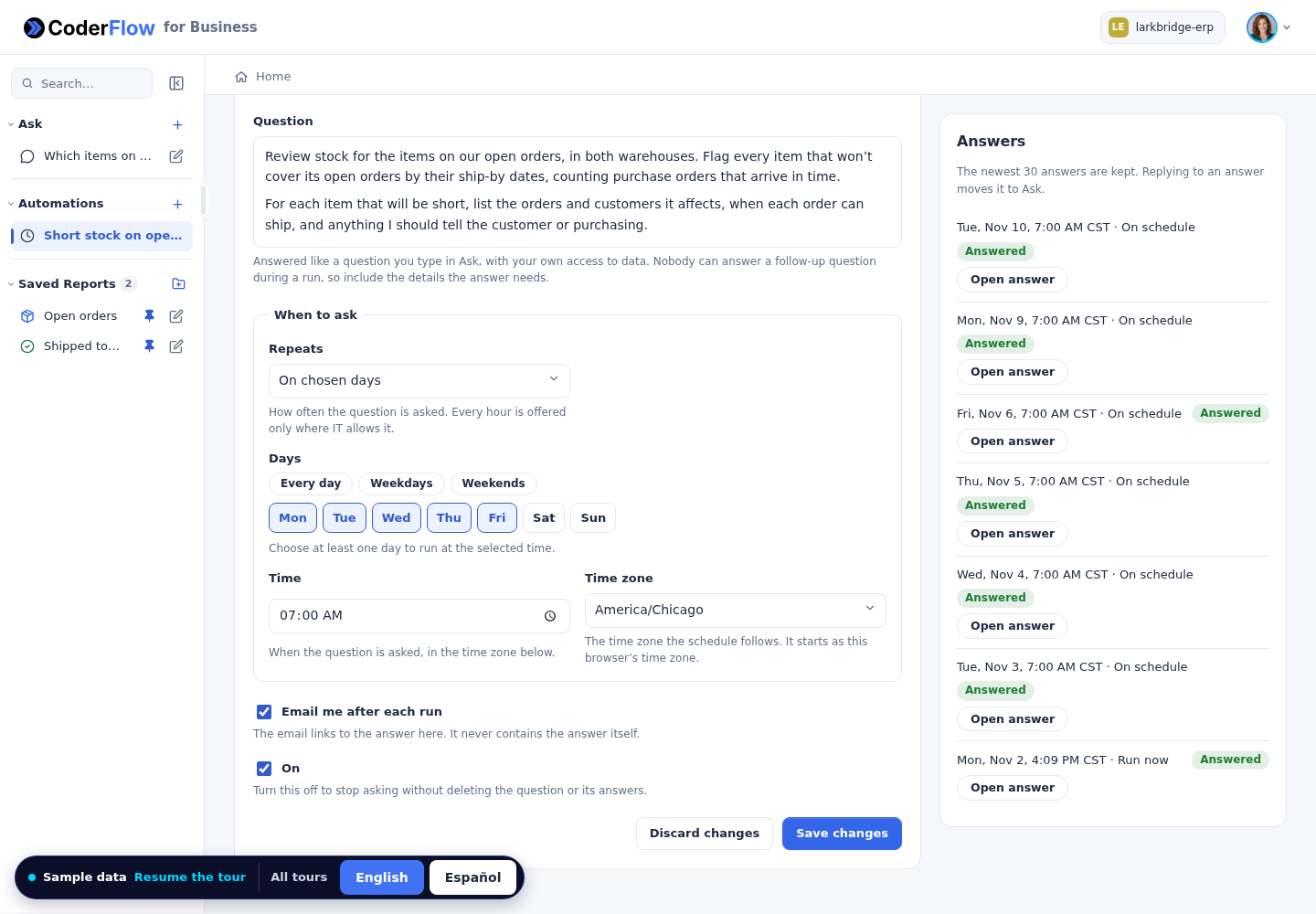
1 of 5: Automate
The Journey
Direct The Work. Refine The Result
Describe The Work
Tell an agent what you want to accomplish in plain language.
Direct An Agent
Business users give instructions directly, using the tools and data their roles allow.
Check The Sources
Inspect the connected data and documents behind the result.
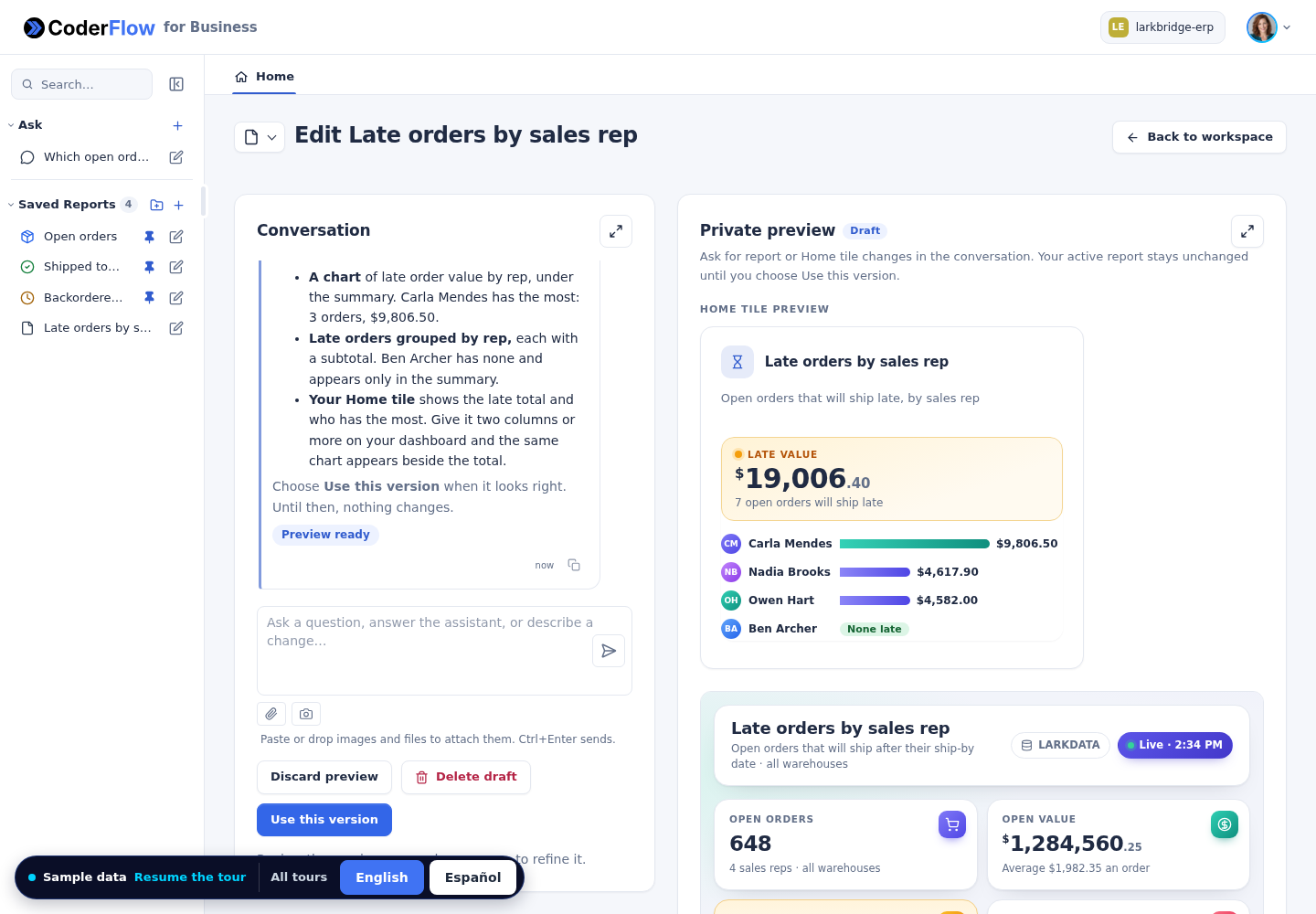
Refine The Result
Give the agent feedback and ask for the changes you need.
Automate Recurring Work
For the Business
Self-Service With Guardrails
- Automations you build yourself
- Answer more of your own questions
- Reports on current data, not exported copies
- Requests that reach IT with everything needed
- Follow progress and try the result
For IT
Fewer Vague Tickets. Full Control
- Self-service without developer tools or extra data access
- Requests become agent work without retyping
- IT chooses the AI providers and models
- Every business-user AI run is visible to IT
Trust
Your Access Rules, Unchanged
When CoderFlow for Business reads live data or opens an application, it signs in as the user with their own login, such as their IBM i profile. It never borrows a shared login and never adds authority. IT decides what else each team's environment includes.
- Data is read as the user, with no shared or service-account fallback
- The data path is read-only by construction: single SELECT statements in read-only transactions
- Business users' logins are encrypted, write-only and never reach the AI
- Saved reports run without AI
- Nothing is on until IT turns it on, per environment and per capability
IT Sets Up Once
- Turn it on and add your logo and name
- Prepare an environment for each business team
- Connect business data and at least one AI provider
- Create roles and assign them
- Choose what agents can reach, and publish applications
Business Users Do The Rest
- Save their own logins
- Ask, build and refine reports, and arrange dashboards
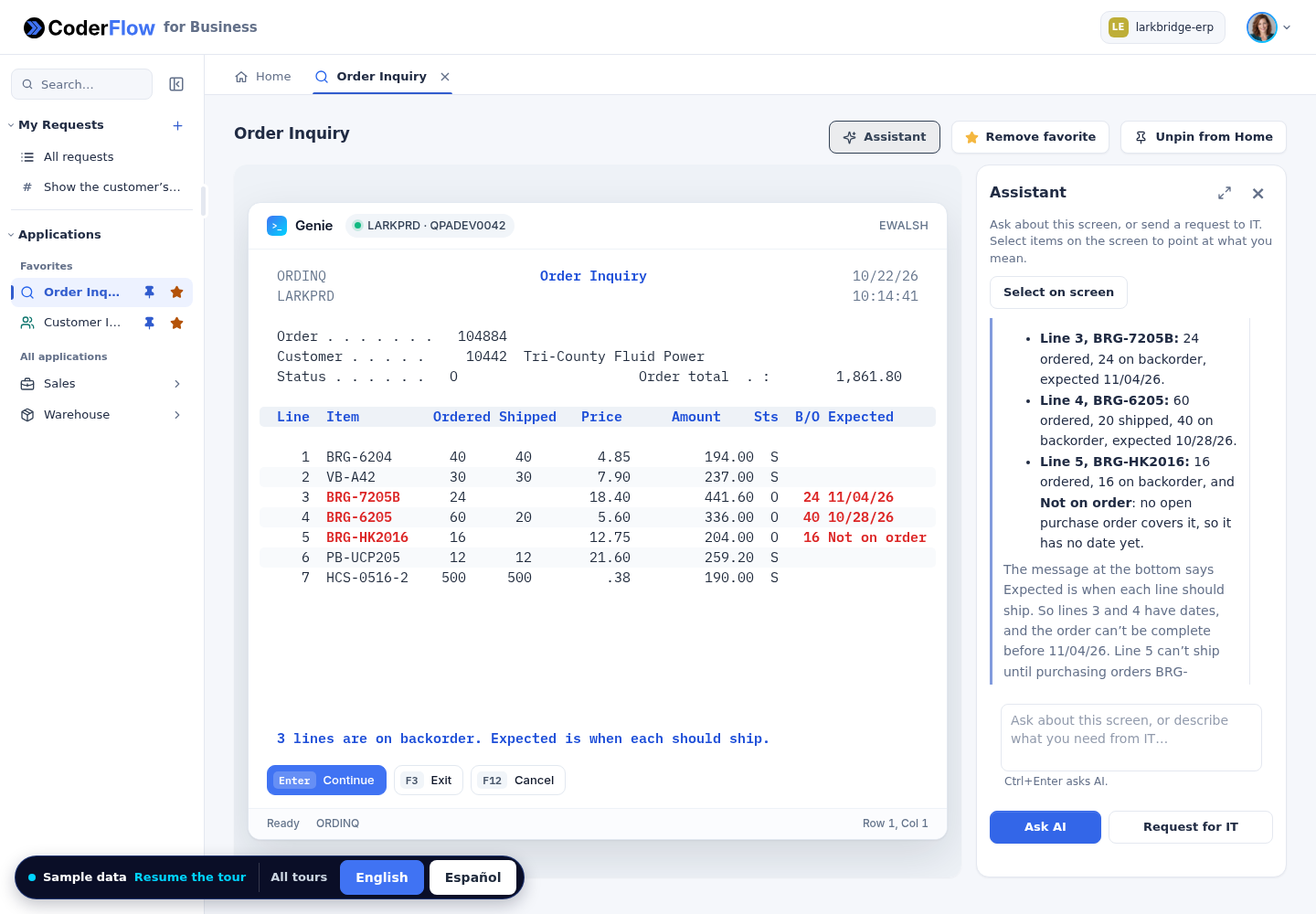
- Open published applications with the assistant
- Create and track requests
- Build their own automations
Questions
Is CoderFlow for Business a Separate Product?
No. It's the experience inside CoderFlow designed for non-IT business users, on the same server, sign-in and environments IT already uses. It's off by default, and IT turns it on for the whole server and then for each environment it wants to offer to business users.
What Can Business Users Do With It?
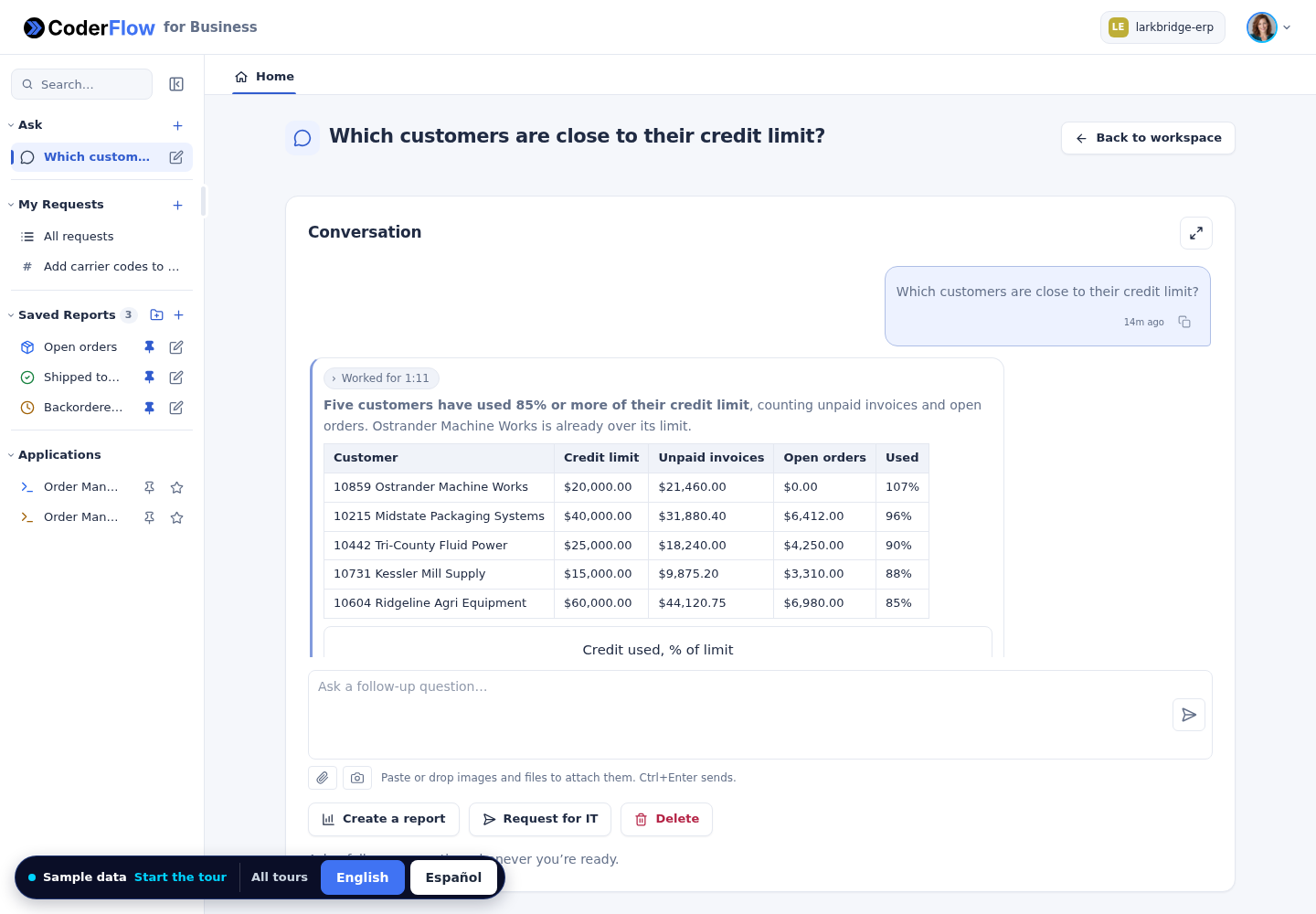
They can direct agents themselves: give instructions, ask follow-up questions, refine reports and set up recurring work. CoderFlow brings the applications and data available to their team into that work. When they need help from IT, they can send a request with the context attached.
What Data Can Reports and Answers Use?
Answers can draw on the environment's source code, documentation, attached files and business data. Live-data reports today connect to Db2 for i on IBM i, read with each user's own login. Other systems can feed reports through web APIs your IT team makes available. Contact us to talk about your data sources.
Will Users See Data They Shouldn't?
On IBM i, data is read with each user's own IBM i profile, never a shared login, so users see only what their authority already allows. IT also decides which environments each team can use and what those environments include. A dedicated environment for each business team is the recommended setup.
Can the AI Change Our Data?
Business answers and reports read data only: single SELECT statements in read-only transactions that are never committed, with parameters bound. The application assistant only explains screens and never presses keys. Agent tasks and integrations have their own permissions. Business users can direct the work their roles allow; software changes follow the configured review and approval process.
Does Our Data Go to an AI Provider?
While building a report or answering a question, the data the assistant reads is processed by the AI provider IT configured. Viewing a saved report doesn't involve AI at all: it runs saved queries against current data. IT chooses the providers and can use its own accounts or gateways.
Your Systems. Your Agents. Your Team Directing The Work